
Known issues and how to report bugs
Update #1 fixes several interaction, audio, save-load, dungeon and weapon faults. Check the patch scope, then send recurring issues to official support with the location and steps.
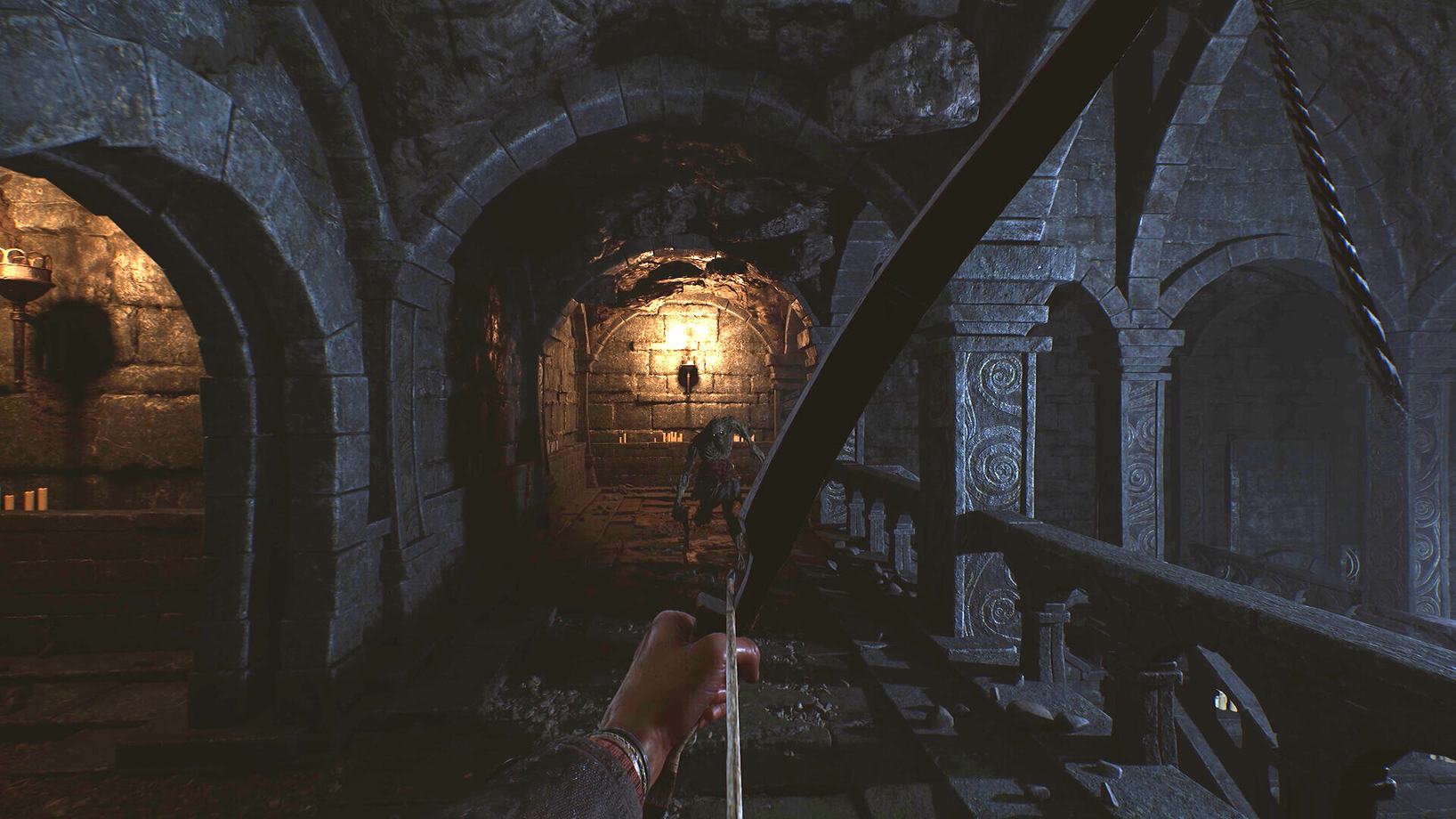
Bug reporting for Among the Trolls goes to the developers, and the launch FAQ names the route: a support ticket at support.505pulse.com, or their Discord if you want other players to confirm you are not alone. The team has a track record of moving quickly: the demo received four hotfixes inside three weeks.
Pairs with: Demo vs the full game · Demo walkthrough · First day tasks
Fixed by Update #1 on 29 October
| Launch symptom | Patch scope |
|---|---|
| Crow or Immersive mode stalls | Initial Crow dialogue in Immersive mode and Immersive-mode softlocks fixed |
| Penny Man or shelter prompt missing | Interaction prompts fixed |
| Audio disappears or corrupts | Long-session audio fault fixed |
| Crash after changing settings or loading | Graphics-settings change and save-load crashes fixed |
| Rift or dungeon crash | Rift-closure crash and Dungeon 6 exploration crash fixed |
| Pause on dungeon transition | Entry freeze and exit infinite loading fixed |
| Movement or weapon trouble | Stuck dodge/crouch, arrow cycling, Wooden spear trajectory and stamina-bar behaviour fixed |
Install the patch before retrying these launch symptoms. If one returns in the updated build, report it with the location and action; a fixed item can still recur and should not be dismissed as an old report.
The two patches after Update #1
Update #1 was not the last word. Two more posts followed within a week, and they target different things:
| Patch | Date | What it is for |
|---|---|---|
| Hotfix #1 | 4 Nov 2026 | Cleanup of what Update #1 left behind, with a focus on graphics and interface |
| Save-system follow-up | 5 Nov 2026 | Onboarding reworked around the save system, after community reports of progress not being kept |
The save follow-up is the one to read if a run vanished rather than crashed. The developers say they reworked the onboarding around saving specifically because players were losing progress without understanding how the game saves — so if a session disappeared before 5 November, that was a known problem rather than something you did wrong.
Launch issues not explicitly closed by this patch
The 13 October developer FAQ also listed frame-rate drops and stutter, long loading screens, PlayStation/Steam Controller issues, the spear-count display, tree cut-point display at 4K, deer stuck in scenery, and oversized assets after loading. Update #1 does not explicitly close each of those items. A fixed spear trajectory is not the same as a fixed count display, and a fixed pause-related infinite load is not a promise that every normal loading screen is shorter.
Keybindings are named as the next big update's focus. No release date or rebinding menu is announced in Update #1. See Controls for the current setup.
Where to report
| Channel | Best for |
|---|---|
| Official support tickets | Anything you can reproduce; this is the channel the developers ask for |
| Official Discord | Confirming that other players are hitting the same thing |
| Steam discussions | Questions about whether something is a bug at all |
When you report, include what you were doing, what you expected, and what happened — plus a save point or a location description if you can. Reports that say "it crashed" are hard to act on; reports that say "crashing when I select Leave on the wishlist screen after the first dungeon" get fixed.
What the demo period fixed
These are historical demo fixes; they are separate from the released game's Update #1.
| Patch | Date | Headline fixes |
|---|---|---|
| Demo Hotfix #1 | 17 February 2026 | Memory leak causing out-of-memory crashes on 16 GB systems; crash when disabling Virtual Shadow Maps; monsters failing to become hostile; a one-sided combat bug; arrow collision on broken dungeon barriers; invisible collision walls blocking trails |
| Demo Hotfix #2 | 20 February 2026 | Food added to the dungeon inventory to prevent stat-drain deaths; patrolling enemies added to the island; journal pages opening automatically; a first-death cutscene explaining Sisu; resolution confirm/cancel fix |
| Demo Hotfix #3 | 23 February 2026 | Skip added to the first and last cutscenes; dark wall artifacts in the dungeon; better enemy pathfinding; a progress blocker when aiming the bow during a cutscene; barricades respawning without collision; quickslot and pause-menu fixes; quest text formatting |
| Demo Hotfix #4 | 6 March 2026 | Water canteen capacity and thirst restored; canteen refills inside the dungeon section; spear throw damage rebalanced; stuck Leave Dungeon prompt; crafted item name lingering over the inventory on AMD systems |
What the demo period left open
For the record, the demo's thread listed the issues the team acknowledged at the time but had not yet closed. Keep these as historical demo reports rather than a current-build checklist:
- Progression and crashes — difficulty talking to the Crow to deliver the cooked meat, inconsistent quest and journal text during the first dungeon, a crash after the first dungeon when selecting Leave on the wishlist screen, and a crash risk when restarting from the pause menu.
- Performance — texture flickering with anti-aliasing or upscaling disabled, and visual glitches with FSR and frame generation enabled.
- Gameplay and UI — interaction prompts flickering or sticking on screen, and an occasional stuck swimming animation on dry land.
Before you report
- Verify the game files through Steam.
- Note the exact location and quest step.
- Check the launch known-issues list first; you may be one of many.
- Capture a screenshot or a clip.
- Attach a DxDiag report, which is what the developers ask for: press Windows + R, type
dxdiag, click Yes if it asks about checking drivers, wait for the progress bar, then Save All Information and attach DxDiag.txt. On Steam Deck they say not to bother. - Send it as a support ticket so it is tracked rather than lost in a forum thread.
Official Update #1 — 29 October.
Sources
- Launch FAQ and known issues (developer thread, published 13 October 2026): Among The Trolls - FAQs & Known Issues
- Demo hotfixes #1 to #4: Steam news archive
- Official bug-reporting channel: support.505pulse.com
Game imagery on this page is official promotional material, used for reference.