Among the Trolls performance and Steam Deck
Expect 30-60 FPS with occasional stuttering, and no proper Steam Deck support: the developers say the game is not fully supported there. DLSS, FSR and ultrawide are all supported.
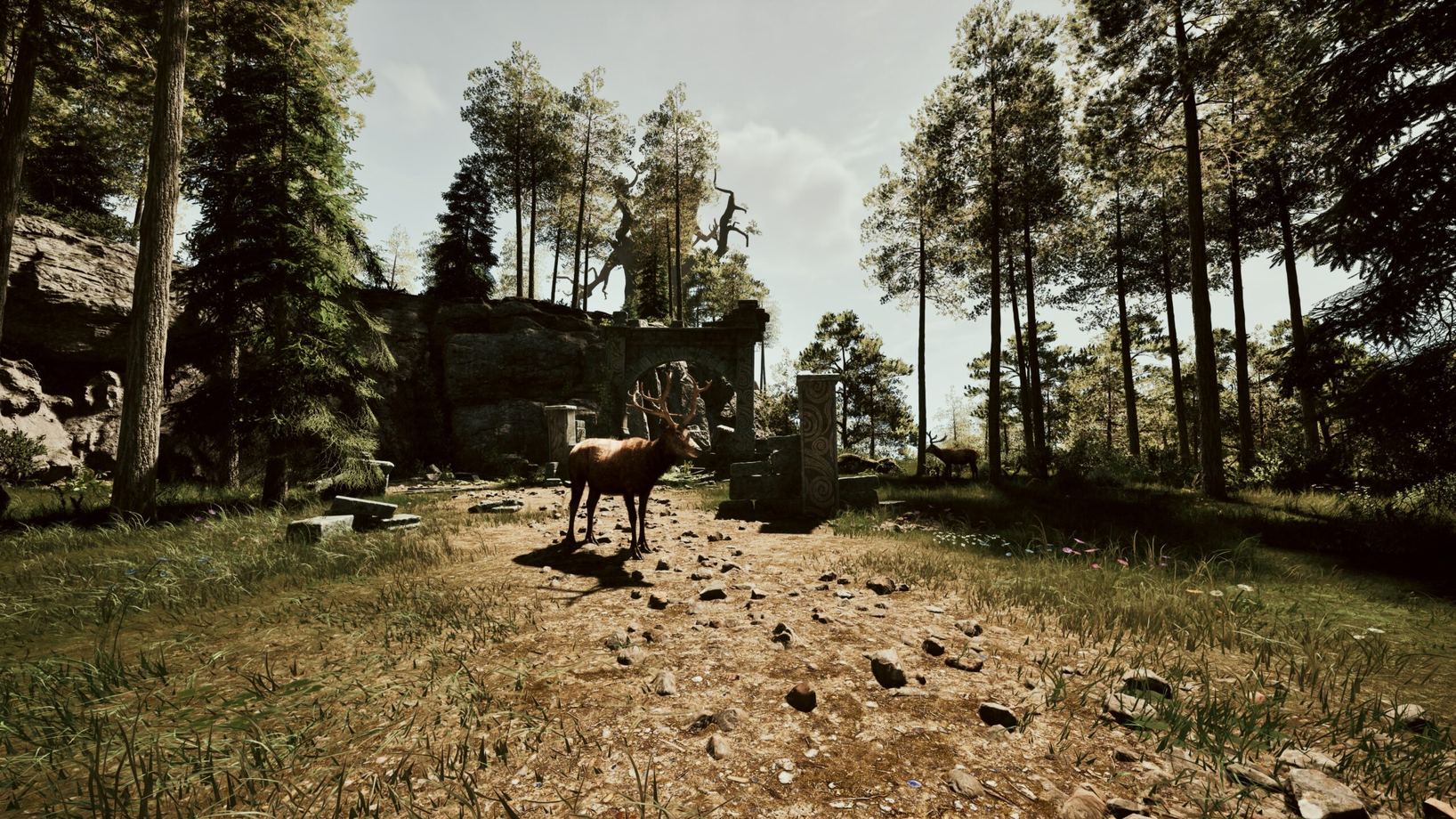
Among the Trolls is an Unreal Engine 5 game with a 16 GB memory floor and a GTX 1070 minimum, and the developers published what to expect on day one rather than leaving players to find out. The headline: 30 to 60 FPS with occasional stuttering, longer-than-usual loading screens inside dungeons, and no proper Steam Deck support yet.
Pairs with: System requirements · Controls and settings · First day tasks
The developers' own performance answers
| Question | Official answer |
|---|---|
| Frame rate | "You may experience frame rates between 30-60 FPS, along with occasional stuttering." |
| Loading | "At times, loading screens may take longer than usual, especially within dungeons." |
| Upscaling | Supported — DLSS, FSR and other upscaling technologies are explicitly supported. |
| Ultrawide monitors | Supported. |
| Steam Deck | "Isn't fully supported on Steam Deck at the moment", with possible performance and control problems. |
| Controllers | Full controller support for Xbox pads; PlayStation and Steam controllers "may have some issues". |
| Choppable trees | Every tree except birches may show a cut point, particularly at 4K. |
| Modding | Not part of the game's scope at the moment. |
All of that is from the launch FAQ on the Steam forum. The published specification table itself is on the system requirements page.
Steam Deck, plainly
The game is not a Deck title yet. The developers say it is not fully supported and that you may run into performance or control problems, and the store page carries no Steam Deck rating. If the Deck is your only machine, wait for a compatibility rating or a patch instead of buying for it; if you have both, play on the desktop.
Getting the most out of a mid-range PC
- Turn upscaling on. The developers support DLSS and FSR, and a recommended tier that high is a signal the game is meant to be upscaled on weaker hardware.
- Install on an SSD. It is listed as preferred for a reason, and dungeon loading is the slowest part of the game.
- Leave headroom on the drive. The install is 30 GB before patches and shader caches; keep roughly 45 GB free.
- At 16 GB of RAM, close what you are not using. The demo period needed a hotfix for a memory leak that crashed 16 GB systems, so the floor is real.
- Set Windows display scaling to 100 percent if the image looks soft. That was the developers' own fix for a class of resolution problems.
- At 4K, expect the tree cut-point artifact. It is cosmetic, and the developers have listed it rather than fixed it.
What launch-day players are reporting
Reception in the first two days is mixed, and performance is part of it: one launch-day review argues the game is heavier than its visuals justify and asks for optimisation, and the official 30-60 FPS range is consistent with that complaint rather than contradicting it. Treat the published range as the realistic target on hardware near the minimum line, not as a worst case.
Sources
- Official launch FAQ (frame rate, loading, upscaling, ultrawide, Steam Deck, controllers, tree cut points, modding), published 13 October 2026: Among The Trolls - FAQs & Known Issues
- Store page (requirements, supported languages, controller support): Among the Trolls on Steam
- Steam reviews for Among the Trolls, read 15 October 2026: store page reviews
Game imagery on this page is official promotional material, used for reference.